


 Patients and Parents
 Visitors
 Healthcare Professionals
 Research
 Donate and Support
 About HKCH
Attending SOPC Appointment
Using HA Go
Users of HA Go (Hospital Authority mobile app) can directly register for a clinic appointment (except the first consultation), make payment, get a pharmacy ticket, arrange medication delivery and check real-time queueing status, etc. on their device.
On Your Day of Appointment
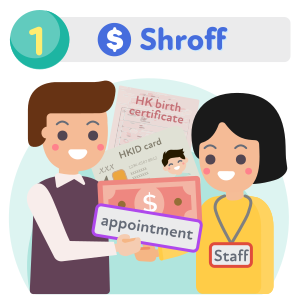
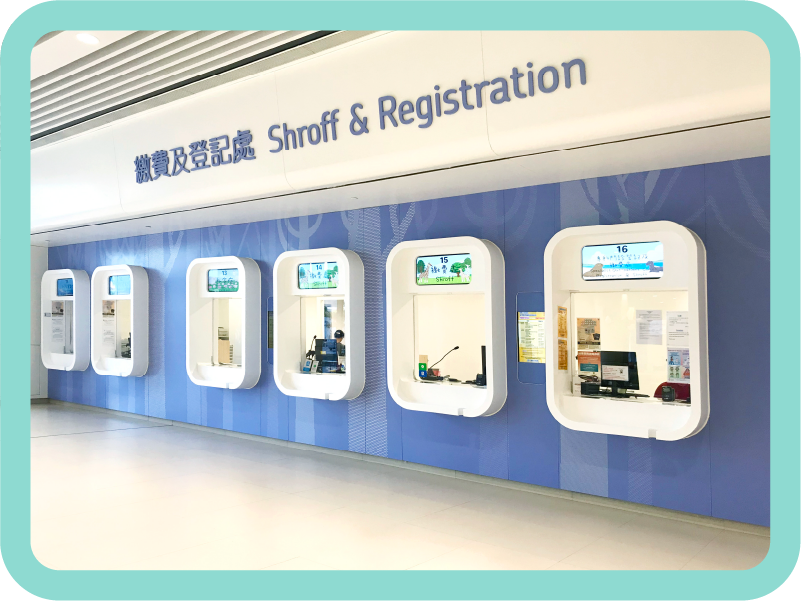
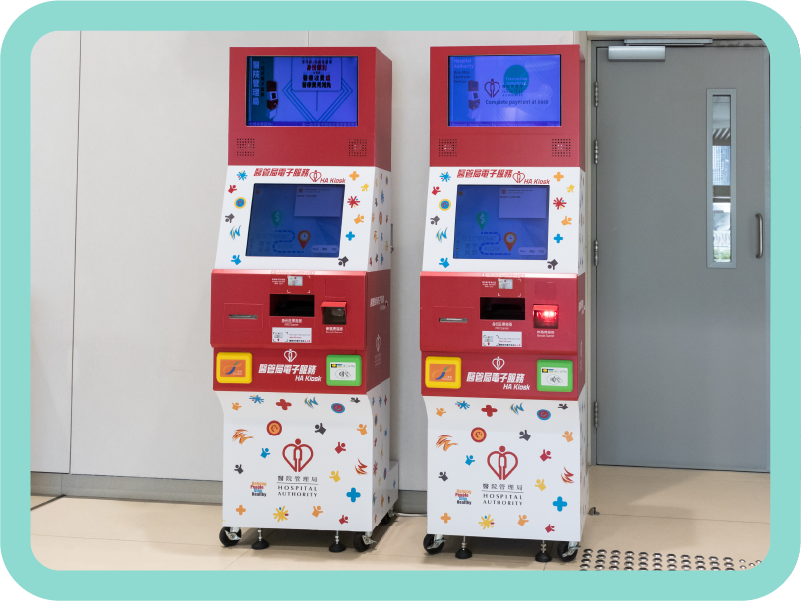

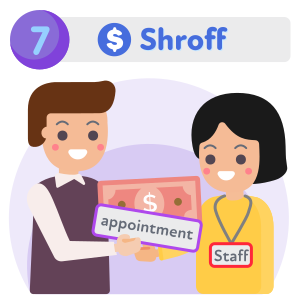
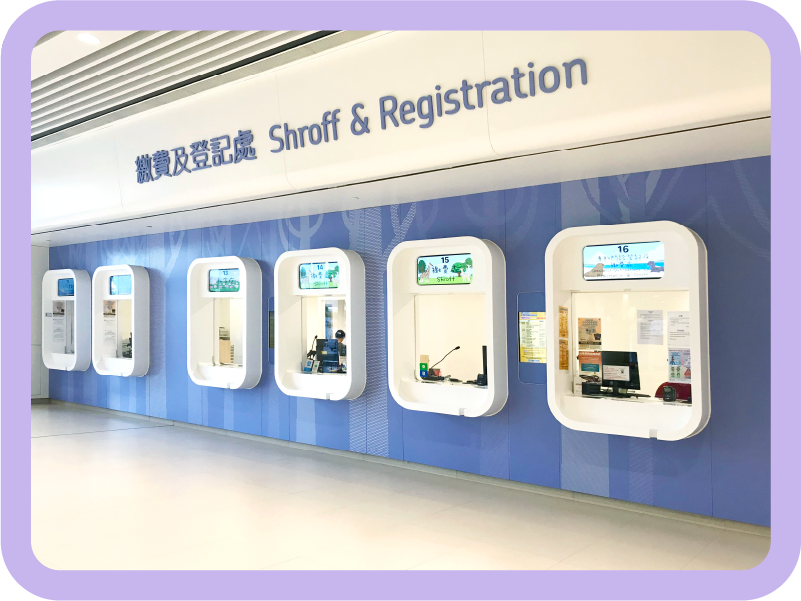
shroff on G/F, Tower B
Subsequent follow-up cases:
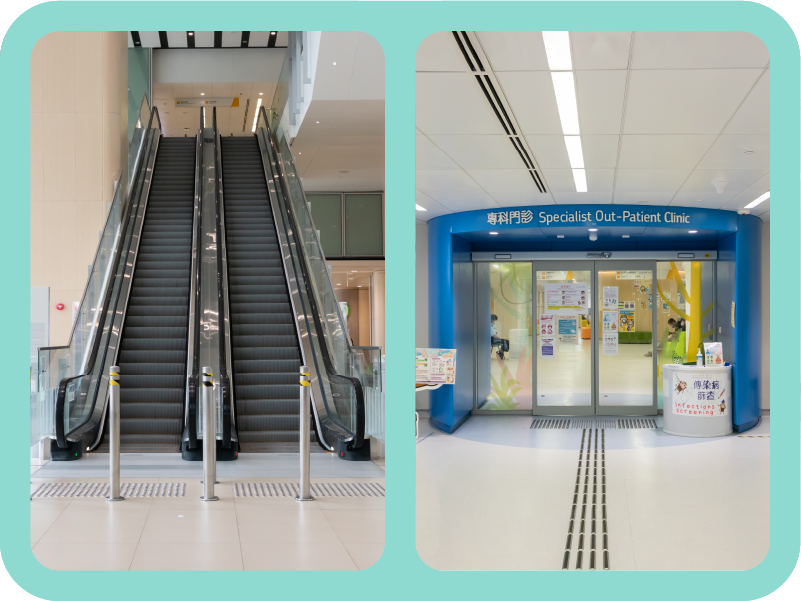
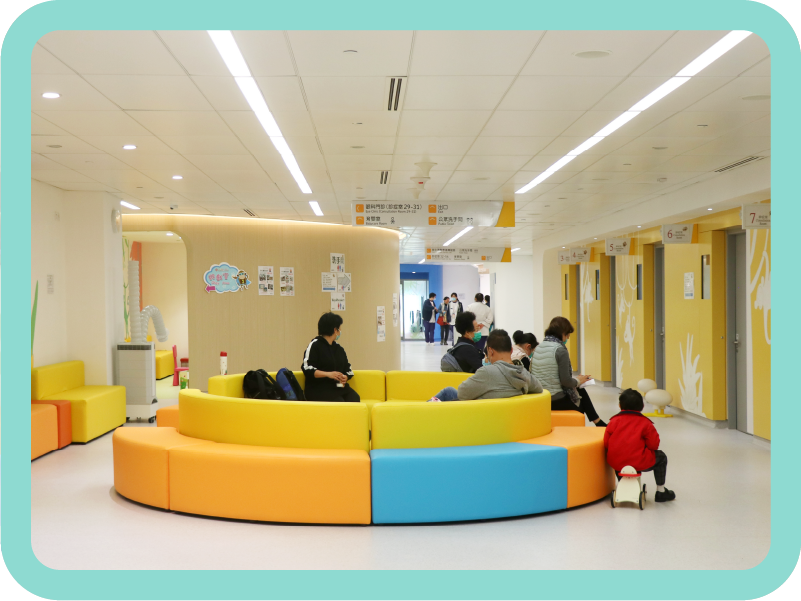
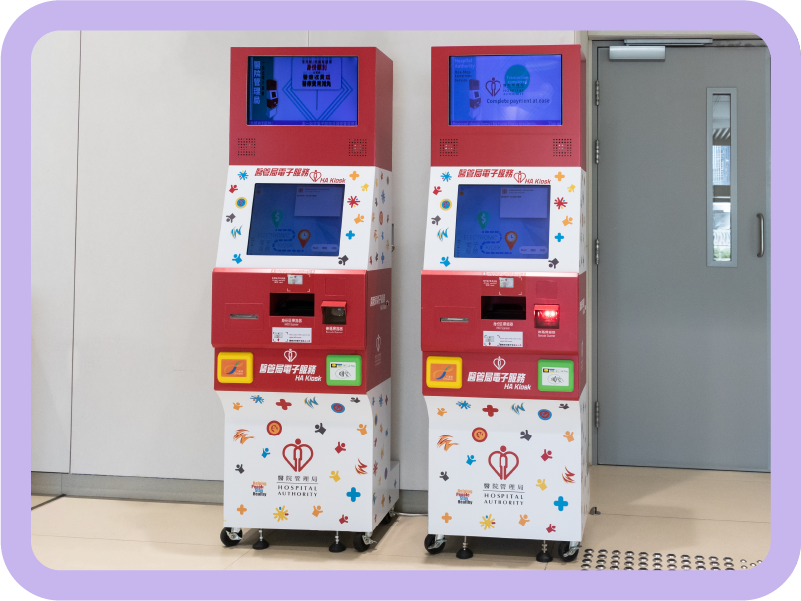
Register and pay at HA Go / electronic kiosk / shroff on G/F of Tower B, then present appointment slip and identification document (e.g. HK birth certificate, HKID card) at the Specialist Outpatient Clinic
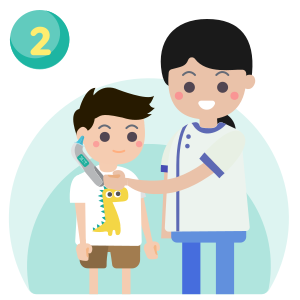

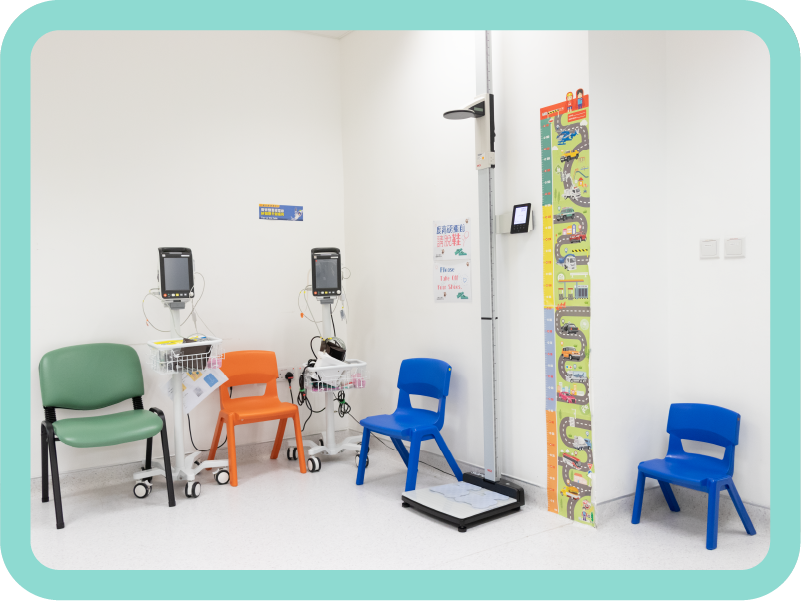
blood pressure measurement


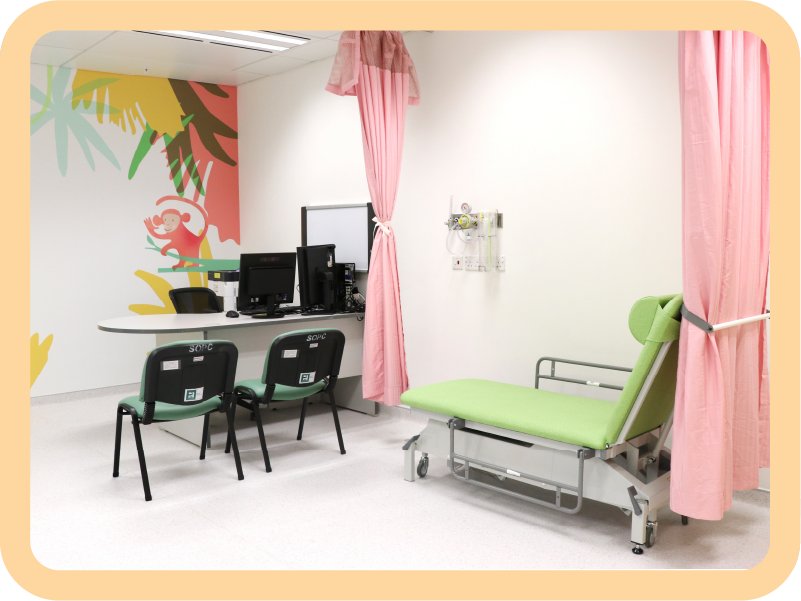
consultation room
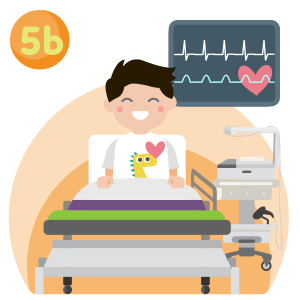
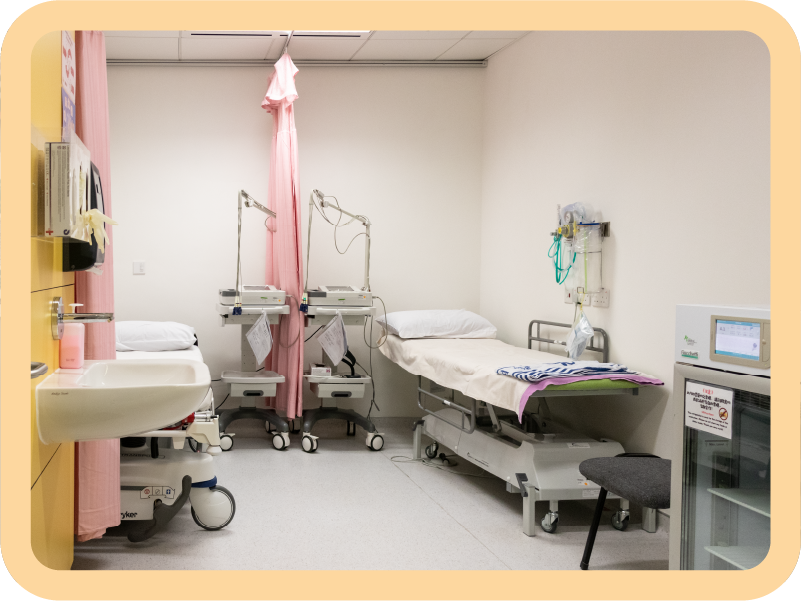
ECG room
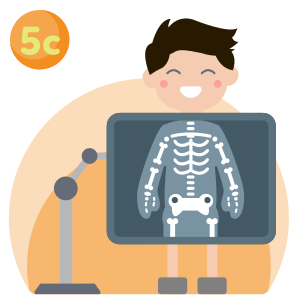
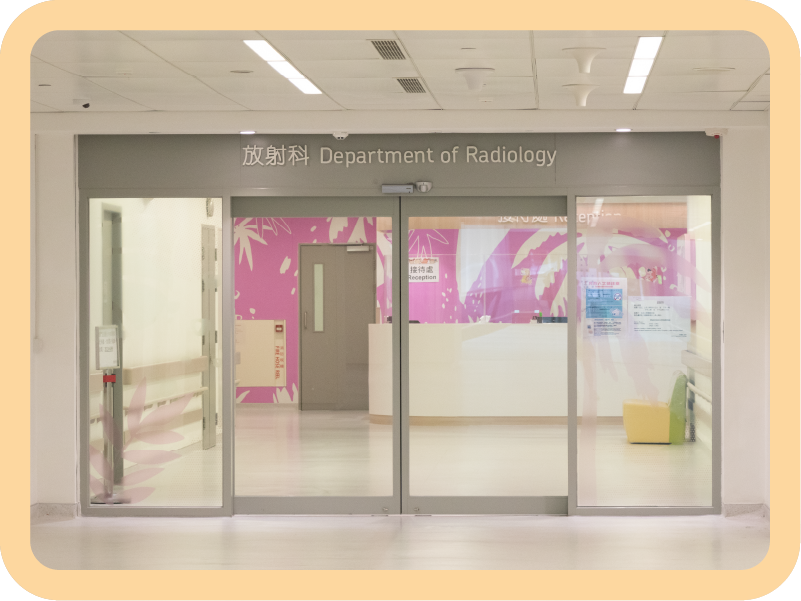
Department of Radiology on 2/F for
X-ray examination.
Other imaging examinations will be arranged if needed.
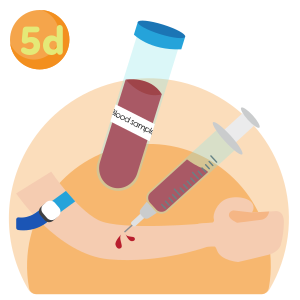
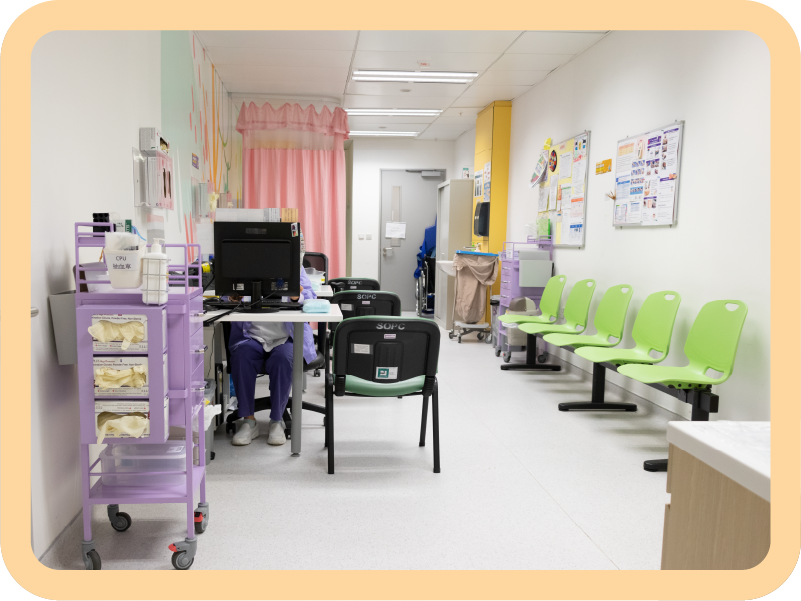
blood-taking room


talk on disease management
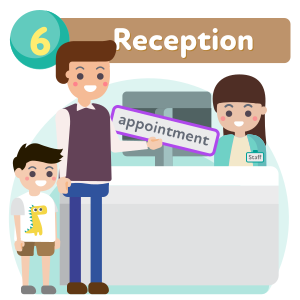
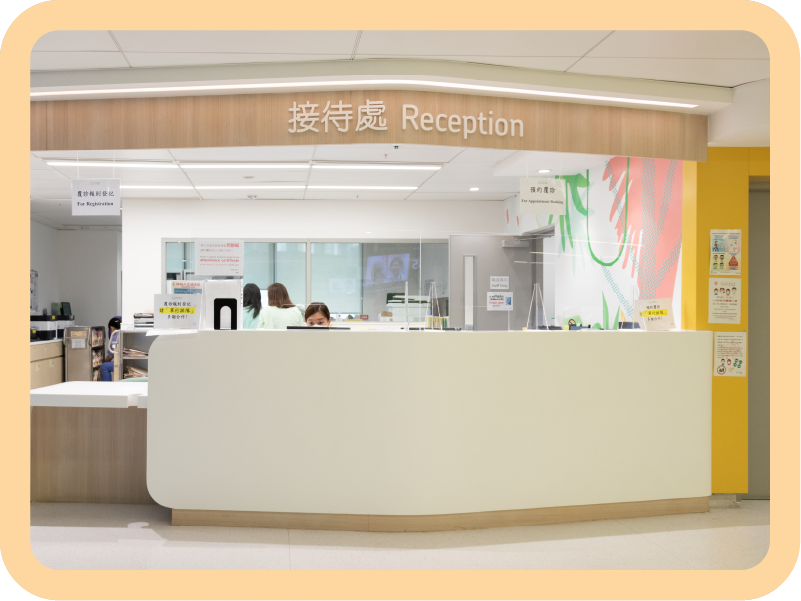
at the reception
All appointment dates can be found in HA Go under "Appointments"

Medication payment methods
For HA Go users:
After logging in HA Go, click "Queue" and go to "EasyQ – Pharmacy" page to get a pharmacy ticket. Then go to "Payment" to pay for the medications. Upon receiving notification from the app, collect medications at pharmacy on G/F, Tower B.
For non-HA Go users:
Pay at
electronic kiosk
or
shroff
on G/F of Tower B, and collect medications at pharmacy on G/F, Tower B.
(medication counselling by pharmacist if necessary )
Medication delivery service
You may apply for medication delivery service (charged separately) and pharmacist medication counselling service via HA Go. Please visit the HA Go website for more details.